XWS:Type

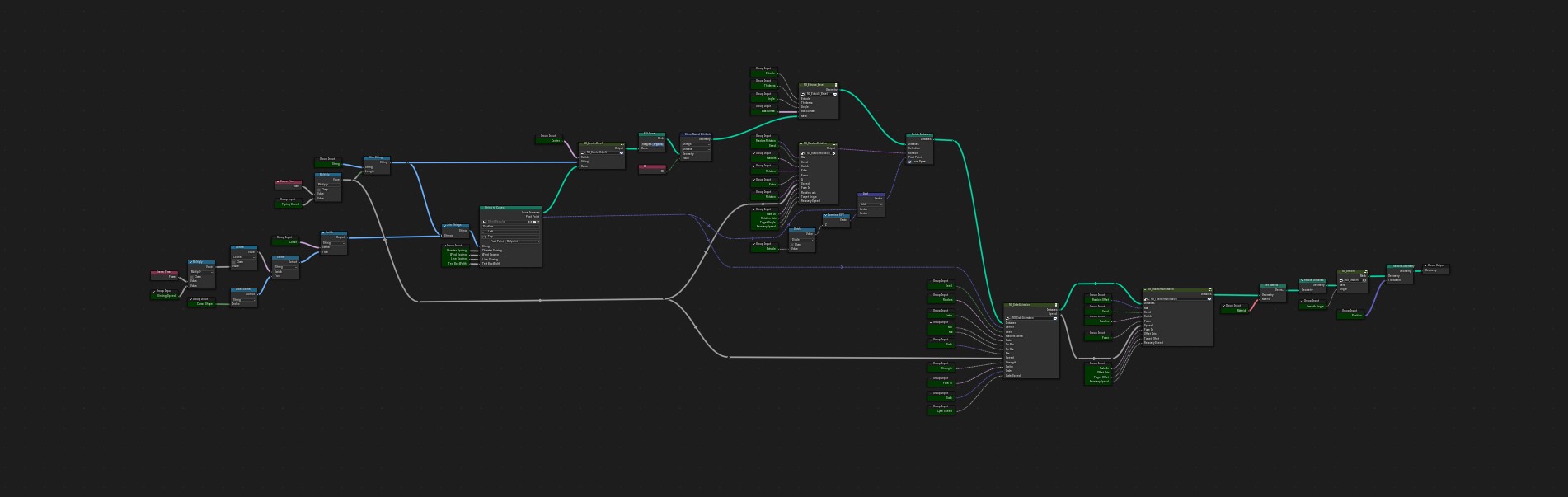
Work type:Blender Geometry Node
Exclusively sold on third-party platform:Yes
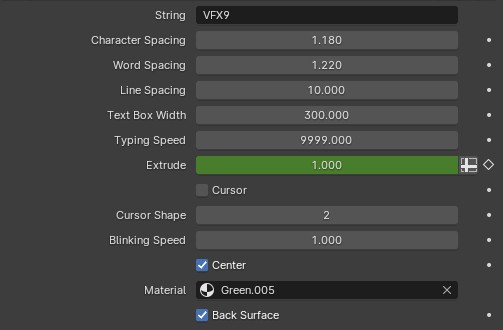
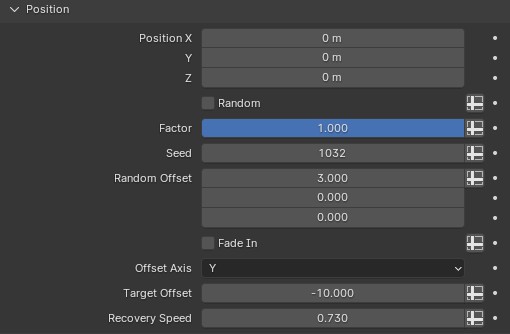
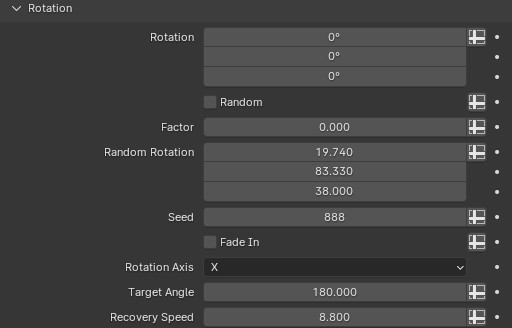
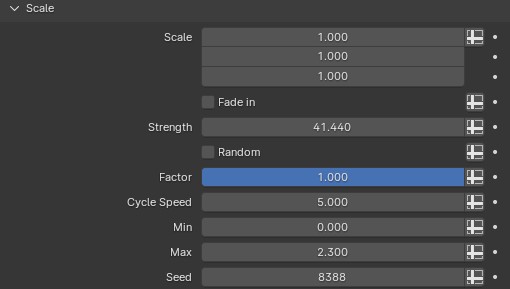
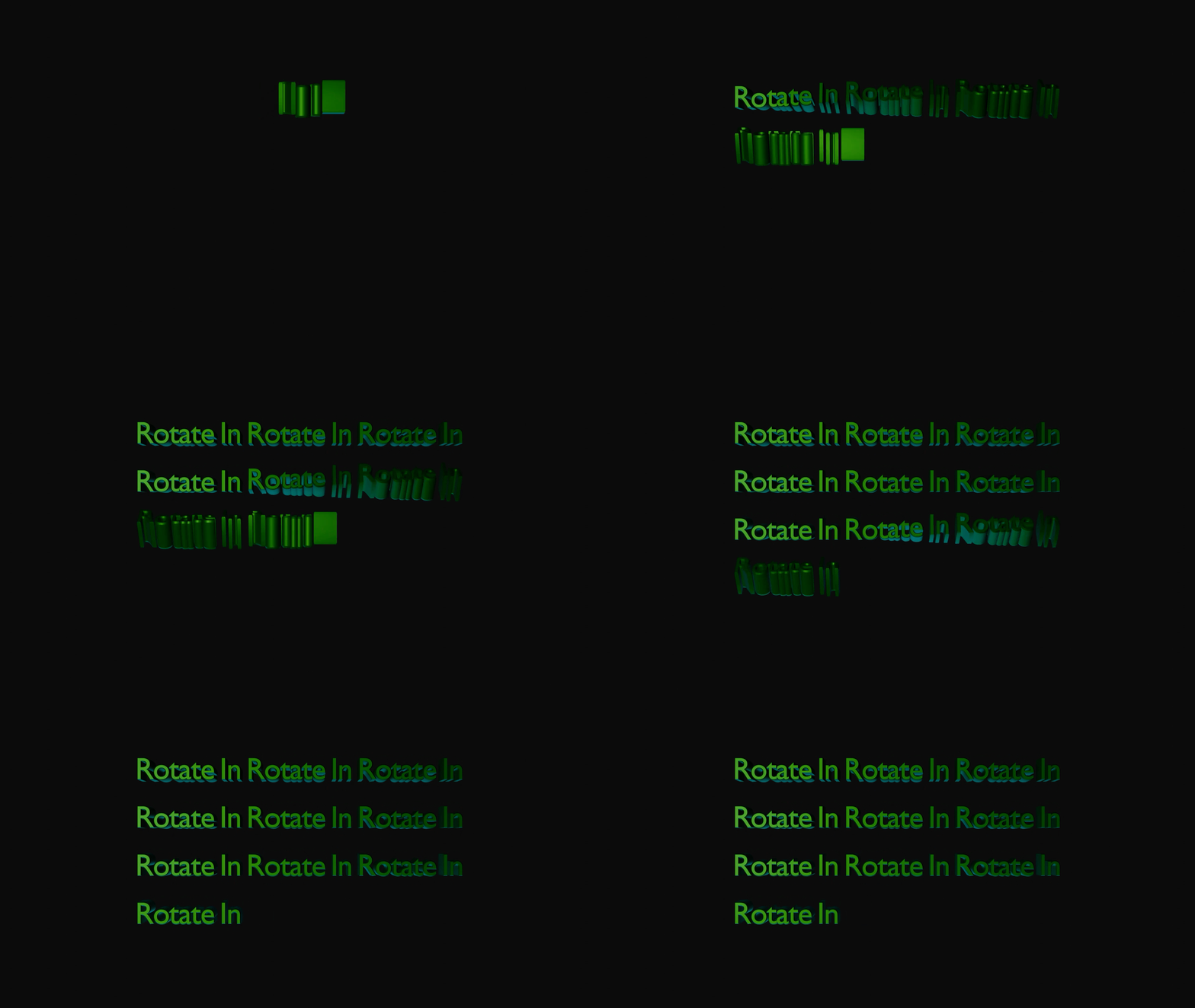
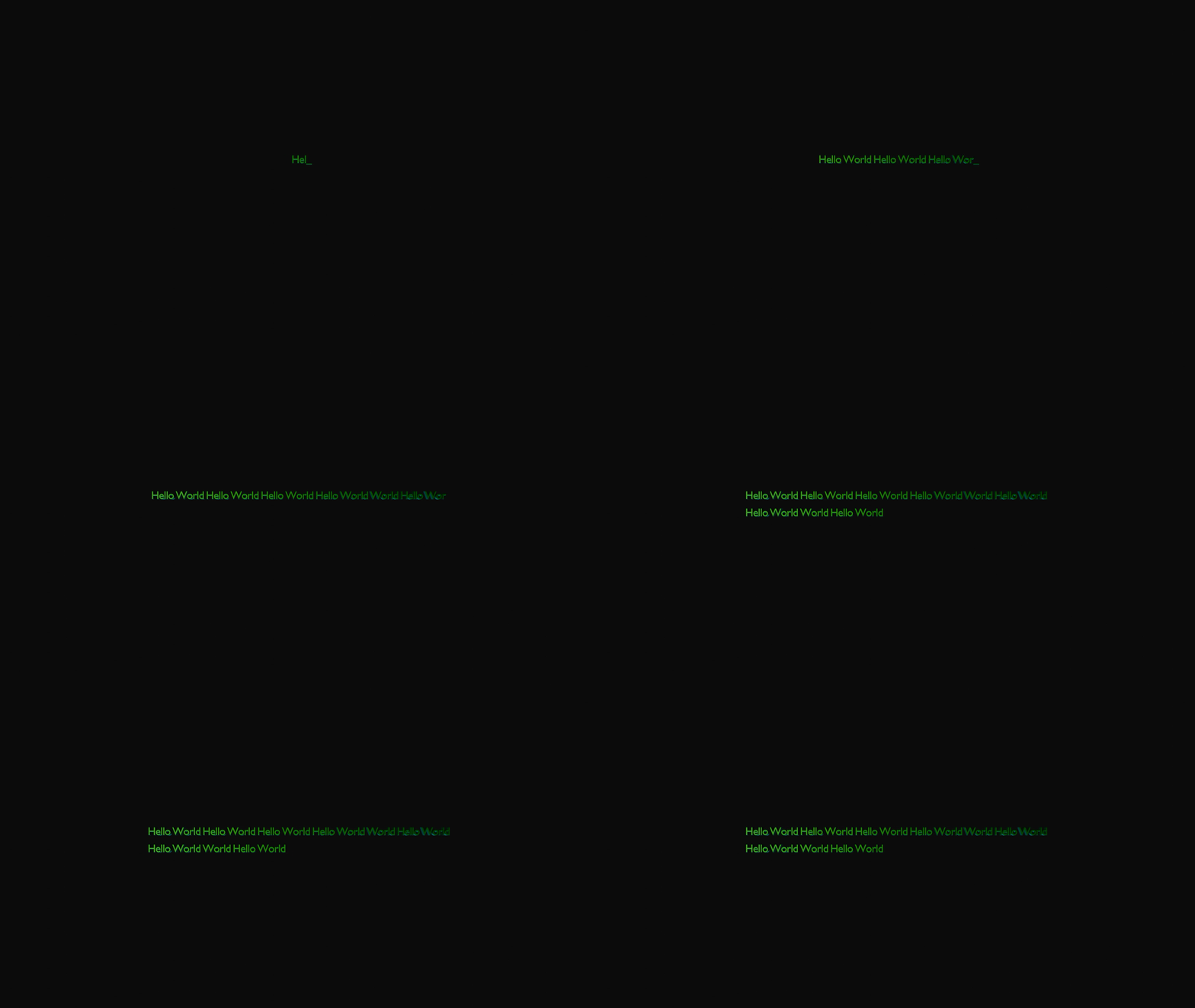
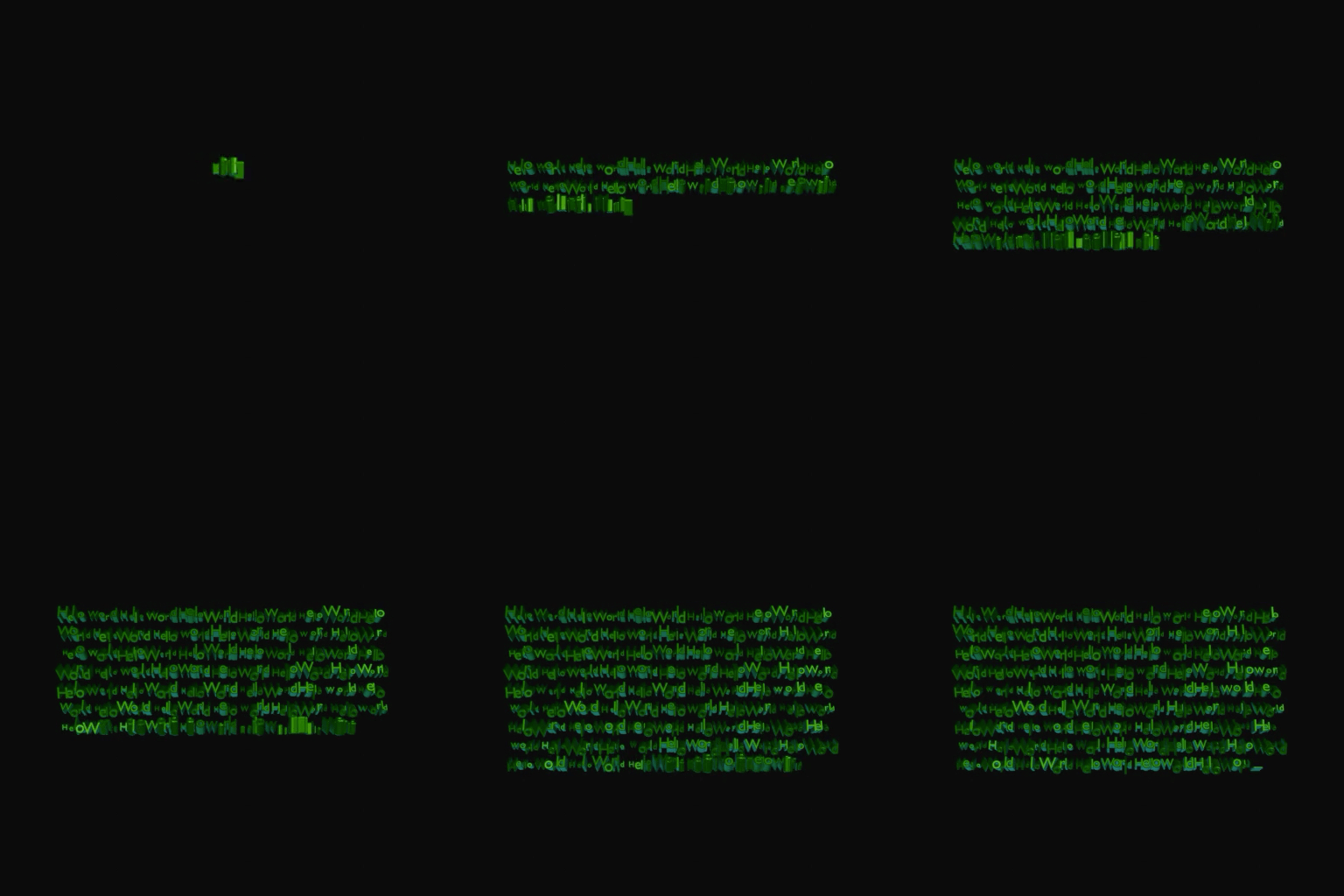
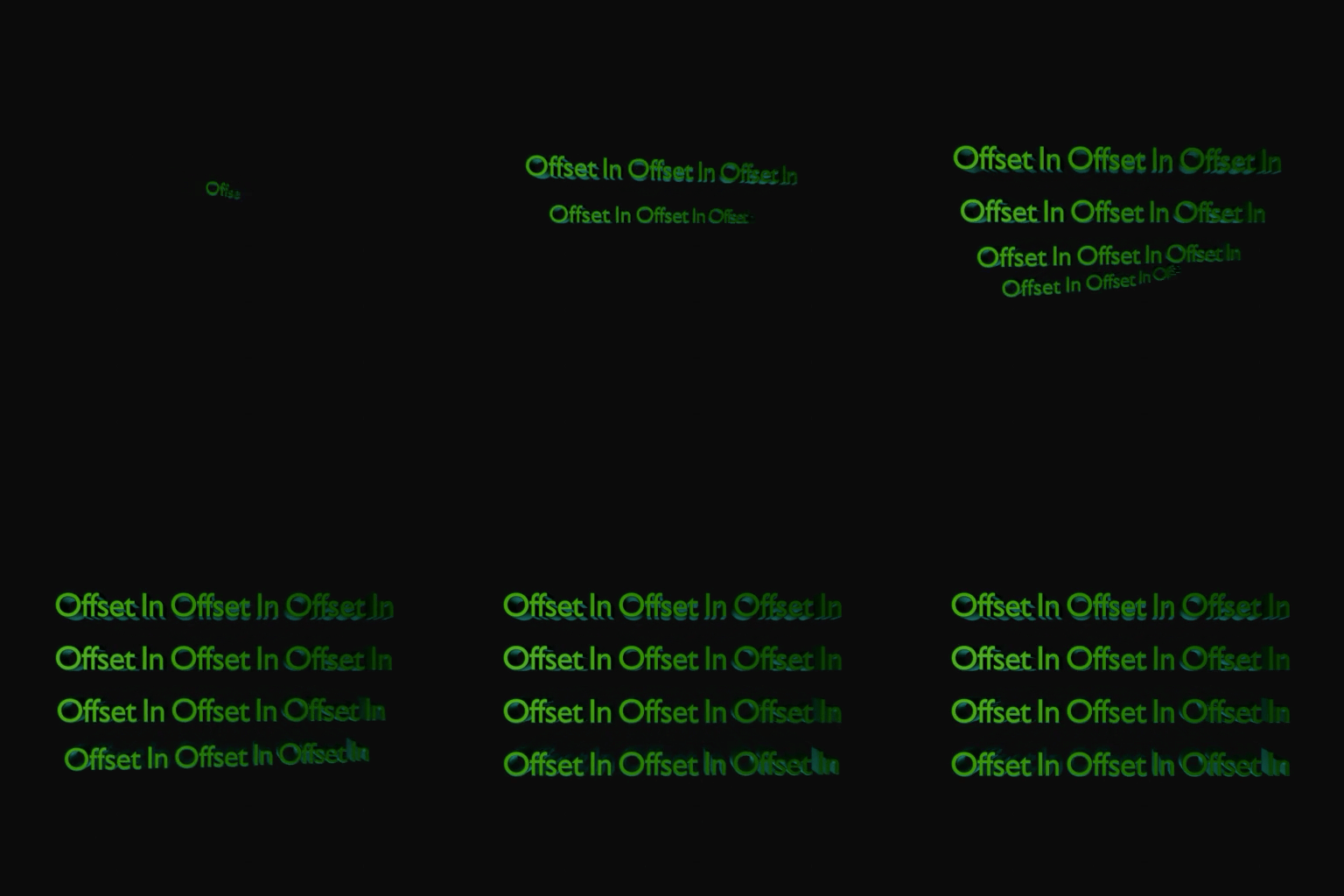
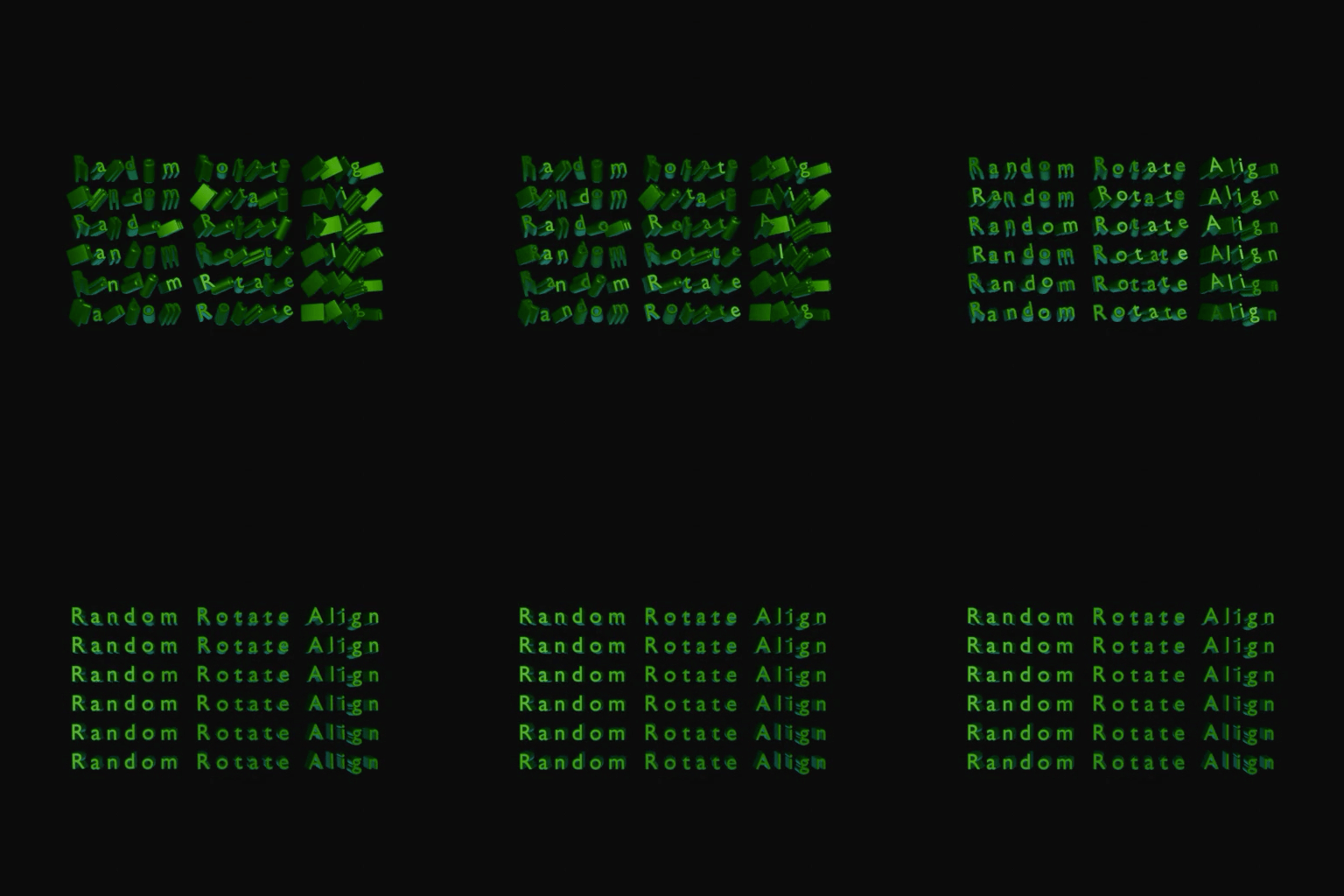
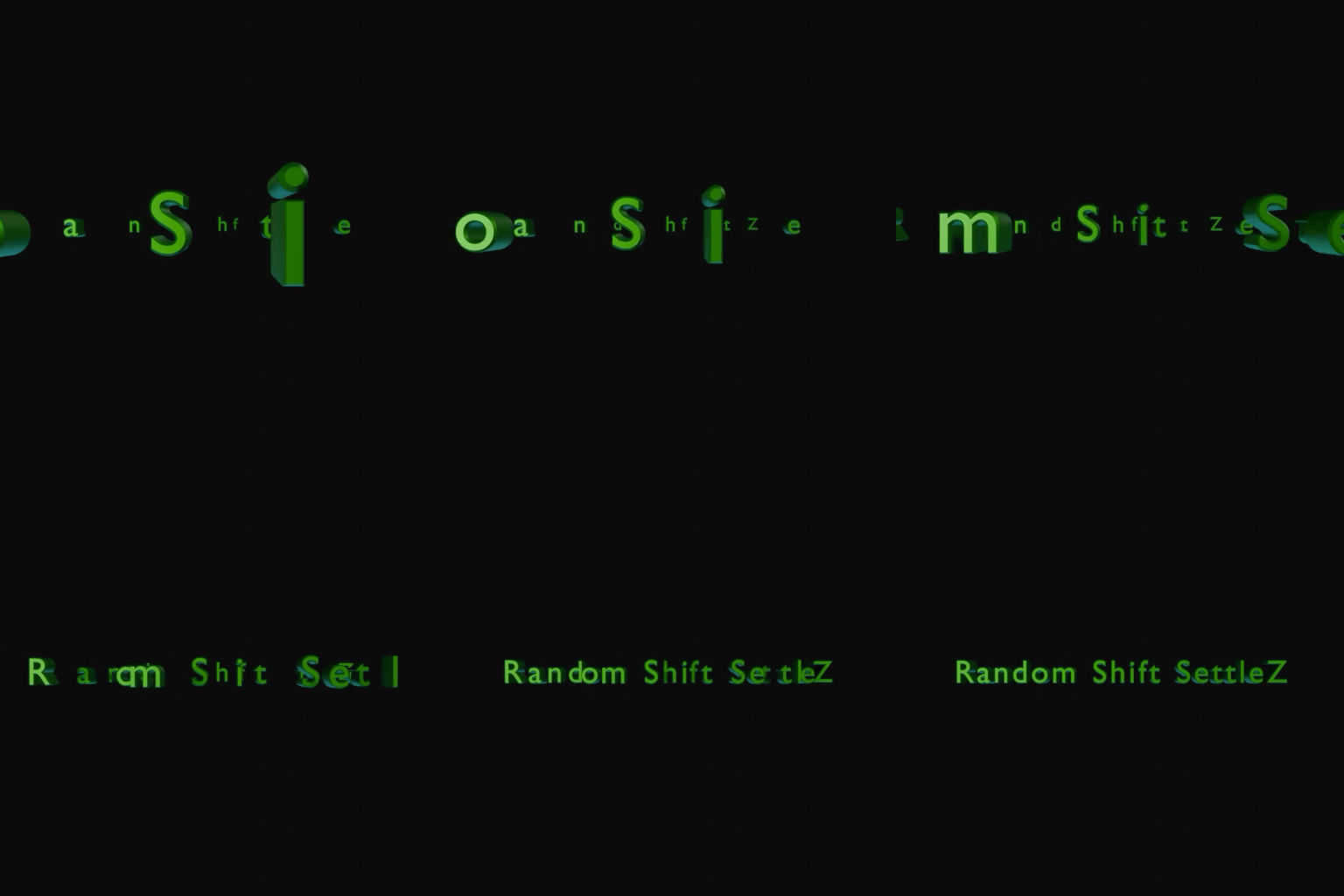
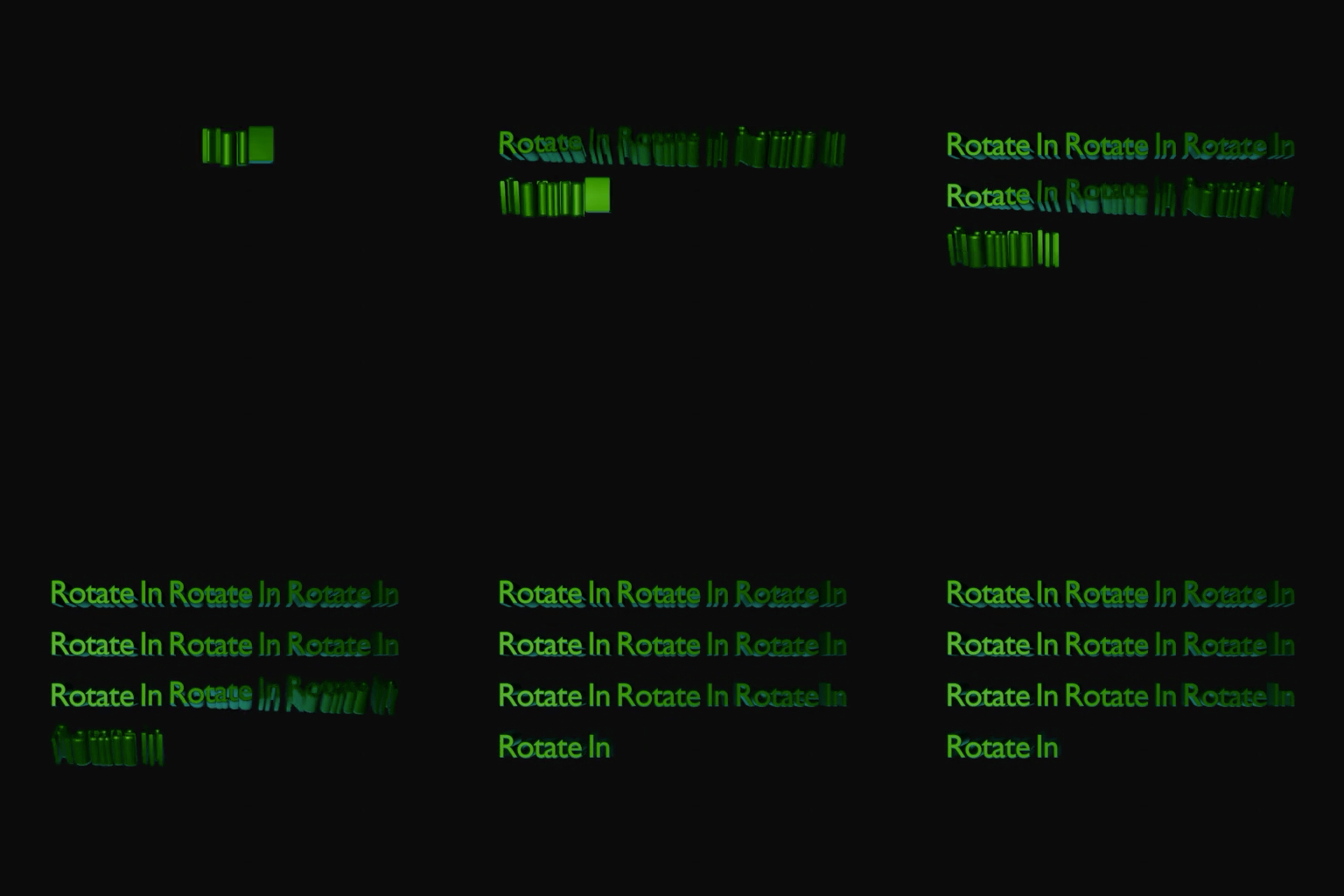
Type is xWord's first component. It can be used to create typing effects and title effects, featuring convenient menu items for scaling, rotation, translation, randomization, and more. It offers over a dozen cursor effects, switchable with a single click. By controlling one or more menu items, you can achieve a wide variety of text and title animations. You can also quickly adjust text thickness and bevel effects to enhance the texture of 3D text.
01
xWord Suit
V1.00
Type
Geometry Nodes
xWord Suit · Type
ONE-CLICK DRAG AND DROP IN THE ASSET BROWSER
Presets added with each version upgrade can be dragged and dropped into the asset browser with a single click.






xWord Suit · Type
EASILY ADJUST THE CHAMFER
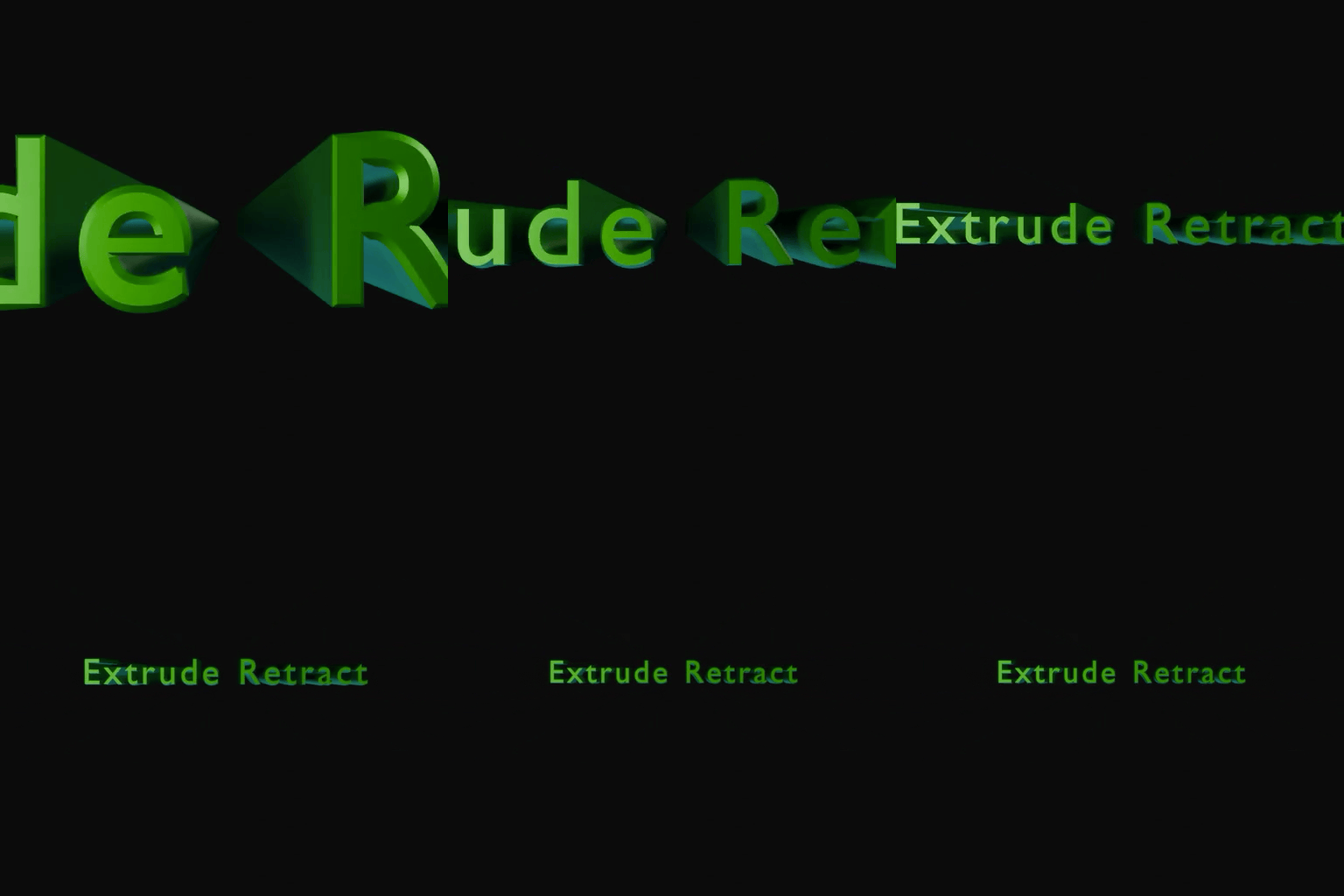
The size and angle of the chamfer can be easily adjusted.


xWord Suit · Type
RICH ADJUSTMENT OPTIONS ALLOW FOR CUSTOMIZABLE TEXT EFFECTS
By adjusting dozens of parameters such as scale, position, rotation, randomness, squeeze, and letter spacing, you can achieve text animation effects that best match your needs.